How Buyers Can Protect Themselves From Fake or Recycled Data
Learn how to protect yourself from fake, recycled, or low-quality B2B data. Discover the signs, verification techniques, and best practices to ensure you only buy accurate and trustworthy leads.
B2B LEAD BUYINGBUYER AWARENESSDATA QUALITY & VERIFICATIONBUYING GUIDES
CapLeads Team
11/23/20253 min read
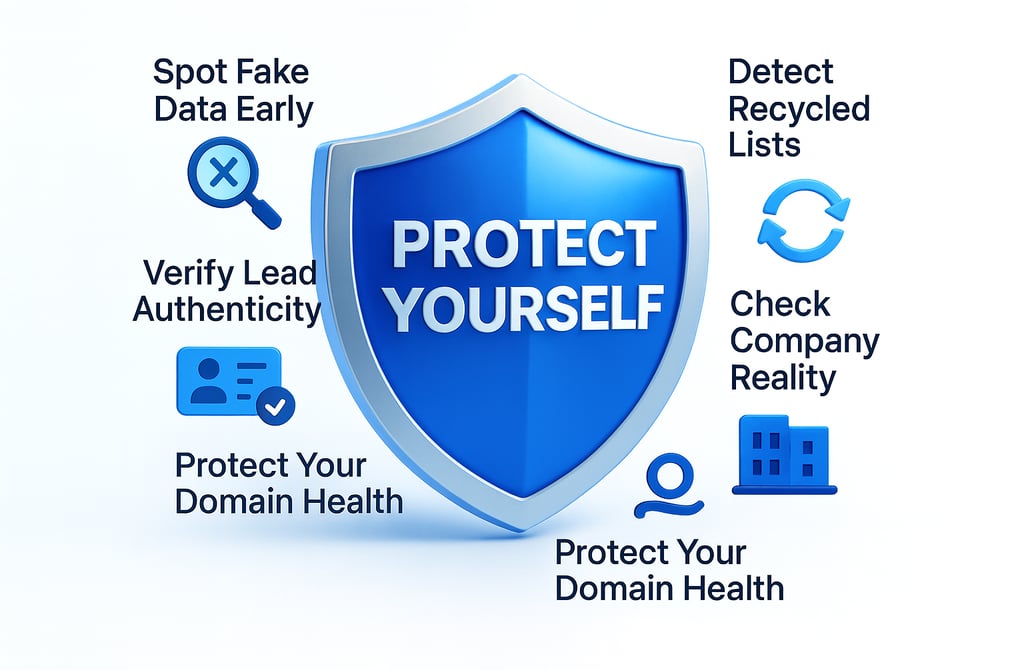
Fake data and recycled lead lists are some of the biggest hidden threats in the B2B lead-buying world. On the surface, these lists may look clean — emails formatted perfectly, job titles consistent, contact counts impressive. But what buyers don’t see is the damage they cause behind the scenes: high bounce rates, domain reputation loss, irrelevant targeting, and hours of wasted outbound.
The good news? You can protect yourself from fake or recycled data long before it enters your CRM. Here’s how to stay safe and make sure every contact you pay for is real, current, and useful.
1. Spot Early Signs of Fake Data
Fake data often looks “too perfect.”
Watch for patterns like:
identical formatting across every field
repeated job titles in different companies
names that feel auto-generated
unrealistic seniority levels
If the list feels artificially clean or overly “consistent,” it’s usually machine-generated.
Real data is messy.
Fake data is flawless — and that’s the problem.
2. Detect Recycled Lists Before You Buy
Recycled data is one of the most common issues in the industry.
Clues that you’re dealing with an old or reused list:
companies that no longer operate
people no longer employed in those roles
outdated domains
irrelevant industries
entries that appear in multiple samples
A list can be “verified” but still recycled — accuracy and freshness aren’t the same thing.
3. Verify Lead Authenticity Manually
Even a small sample tells you everything.
Check:
the person’s LinkedIn profile
if the job title matches
if the company exists
if the email domain is correct
if the seniority level fits the role
Authentic leads always match reality.
Fake or recycled data falls apart when you spot-check it.
4. Check Company Reality, Not Just the Email
A lot of bad data passes email verification because the domain still exists — even though the company behind it doesn’t.
Protect yourself by checking:
Is the company active?
Does the website work?
Are employees still listed on LinkedIn?
Has the business changed industries or shut down?
Good data starts with real companies, not just valid emails.
5. Always Ask for Recency
Buyers rarely ask, “When was this data last updated?”
But that single question exposes recycled lists instantly.
You want:
last update date
refresh cycles
version history
whether they clean inactive companies
If they can’t provide recency details, the list is likely stale.
6. Inspect Variation Within the Sample
A strong list has:
different formatting
varied job titles
diverse seniority levels
a mix of company types
A weak list has:
identical patterns
the same structure across all rows
repetitive fields
suspicious uniformity
Variation is a sign of real human data.
Repetition is a sign of recycling or automation.
7. Ask About Their Update Method
Updating data isn’t just hitting “verify.”
Ask how they:
remove stale contacts
prune dead companies
update titles
detect role changes
maintain industry accuracy
Vendors who can’t explain their update process generally don’t have one.
8. Check How They Handle Catch-All Emails
Catch-alls aren’t fake — but bad providers treat all catch-alls as valid.
Ask:
how they verify them
how they classify risk levels
A real provider will always disclose this.
A shady one avoids the topic.
9. Look for Field-Level Errors
Recycled lists typically have:
outdated revenue numbers
old employee headcounts
irrelevant industries
missing decision-maker fields
wrong department mapping
One or two errors might be normal.
Consistent field-wide mistakes mean the list hasn’t been updated in years.
10. Confirm They Don’t Resell the Same List to Everyone
This is the most important question nobody asks.
Ask the vendor:
“Will these leads be resold to other buyers?”
If the answer is vague:
“We use rotating datasets”
“We distribute evenly”
“It depends on the order volume”
…it means the list is shared.
Shared lists = recycled data.
Fresh lists = competitive advantage.
Final Thought
Protecting yourself from fake or recycled data comes down to knowing how data should behave in the real world. When you look deeper than the surface — checking recency, authenticity, company reality, and update processes — you avoid the hidden risks that ruin outbound campaigns.
Ignoring these checks leads to outdated contacts, weak relevance, and unpredictable results.
Applying them ensures accurate targeting, stronger outreach, and data you can fully trust.
Related Posts
The ROI of Buying Leads vs Hiring SDRs in 2026
Cold Email: DIY vs Email Outreach Services — Which Gets More Replies?
What Email Outreach Services Actually Do: How They Work, What You Get & Why They Convert
How Email Outreach Services Generate Sales Conversations Faster
Email Outreach Service Pricing: What It Really Costs in 2025–2026
How Email Outreach Services Help Agencies Scale Faster
How to Tell if B2B Leads Are Actually Verified Most Aren’t
Why Data Freshness Matters More Than Lead Quantity in 2026
The Hidden Dangers of Outdated Email Lists And How to Spot Them
How Lead Validation Works: Inside a Modern Data Verification Stack
7 Ways Cheap Leads Destroy Your Domain Reputation
Why Bounce Rate Spikes Happen And How Clean Data Prevents Them
What a Verified Lead Really Means in 2026
How Bad Data Quietly Raises Your CAC by 30–60%
The Quality Checklist Every B2B Lead Must Pass Before You Buy
The Lifecycle of a High-Quality B2B Lead From Source to Inbox
How to Buy B2B Leads Without Getting Scammed in 2026
The Ultimate Lead Buyer’s Checklist: 15 Things to Audit Before Paying
10 Red Flags That Mean You Should Not Buy From a Lead Provider
Connect
Get verified leads that drive real results for your business today.
www.capleads.org
© 2025. All rights reserved.
Serving clients worldwide.
CapLeads provides verified B2B datasets with accurate contacts and direct phone numbers. Our data helps startups and sales teams reach C-level executives in FinTech, SaaS, Consulting, and other industries.