How to Tell if B2B Leads Are Actually Verified Most Aren’t
Most “verified” B2B leads aren’t actually verified. Learn the real signs of authentic, high-quality data and how to avoid vendors selling recycled, outdated, or AI-scraped lists.
LEAD QUALITY INSIGHTSB2B LEADSLEAD VERIFICATION INSIGHTSDATA QUALITY & VALIDATIONSALES & PROSPECTING CHANNELS
CapLeads Team
11/22/20252 min read
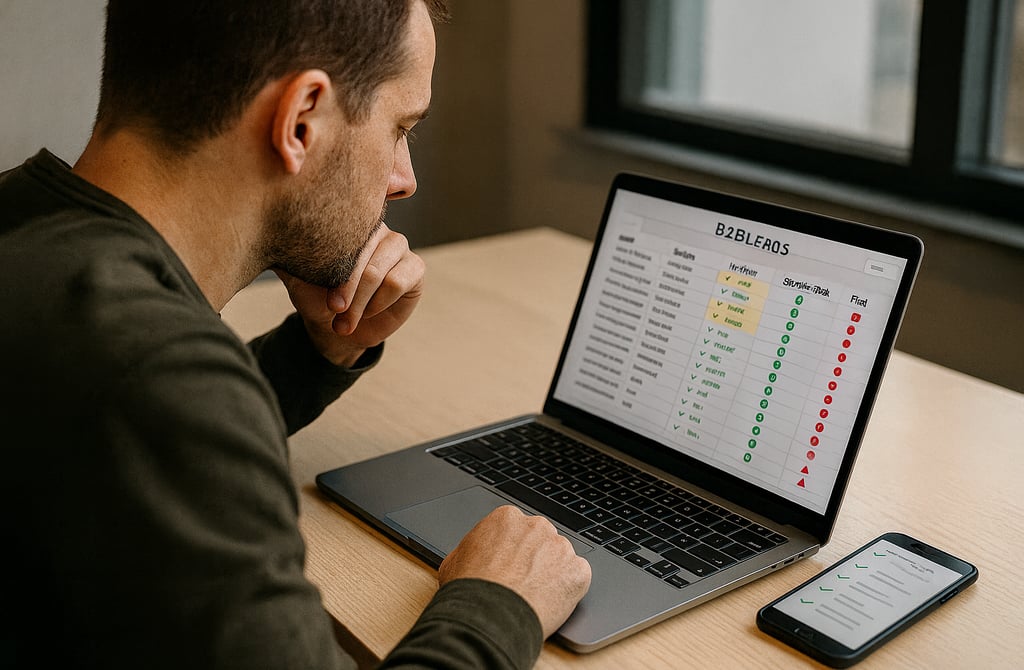
Most founders believe “verified leads” means someone ran the emails through a tool and checked a few boxes.
But that’s not verification.
That’s surface-level cleanup — and it’s why most so-called “verified lists” still bounce, still destroy deliverability, and still waste your outreach budget.
Real verification is a process, not a label.
Here’s how to spot the difference instantly.
1. Verified Lists Always Show Their Validation Steps
If a vendor can’t explain exactly how they verify emails, that’s already a red flag.
Real verification includes:
Syntax checks
Domain validation
MX record checks
SMTP-level checks
Catch-all classification
Bounce-risk scoring
Human inspection for anomalies
Anything less than this is just “cleaning,” not verifying.
2. They Can Tell You When the Data Was Last Updated
Old data = useless data.
A legit vendor can answer instantly:
“When was this file cleaned?”
“How recent is the validation?”
“How often do you refresh this industry?”
If they can’t tell you, assume the leads are months (or years) old — and risky.
3. Verified Leads Don’t Have Perfect Scores
This surprises founders, but it’s true:
A real validated file always has:
Some catch-all emails
Some unverified emails
Some risky emails removed
If every email magically comes back “100% green,” that’s not verification — that’s fabrication or bulk guessing.
Real data has imperfections because real businesses have imperfect email configurations.
4. You Can See the Bounce-Risk Labels
A verified dataset always shows flags like:
Valid
Catch-all
Accept-all
Risky
Unknown
Vendors who hide these labels?
They don’t want you to see the real score.
5. The Vendor Warns You About Risky Segments
A real data provider will tell you:
“This niche is high bounce-risk.”
“These emails are valid but catch-all.”
“This industry changes employees quickly.”
Fake “verified lists” never warn you.
They just sell and move on.
6. Good Vendors Remove Honey Pots, Spam Traps, and Role-Based Emails
Most fake-verified lists still contain:
info@
admin@
support@
team@
abuse@
Or worse —
honey pots disguised as normal-looking addresses.
A real verification process removes these instantly.
7. A Verified List Matches Bounce Guarantees
If a vendor refuses a bounce-rate guarantee, they’re not verifying anything.
Good vendors confidently say:
“Your bounce rate will stay under X% if used within X days.”
If they can’t commit, it’s because they don’t trust their own data.
Final Thoughts
Most founders discover too late that “verified leads” weren’t verified at all — they were just lightly cleaned and pushed out as fresh.
The good news?
Once you know what real verification looks like, the fakes become obvious.
Clean, truly verified data keeps your outreach safe from bounces and deliverability damage.
Fake-verified lists do the opposite — they quietly sabotage every campaign you send.
Related Posts
Why SDR Teams Fail Without Verified B2B Data
How Verified Email Lists Improve Deliverability and Cut CAC
The Real Difference Between Verified Data and Cheap Bulk Lists
How to Avoid Outdated Leads: The Complete Clean-Data Checklist
Best Industries to Target Using Verified B2B Leads
How Verified Leads Turn Cold Email Into a Predictable Sales Machine
Manual vs Automated Validation: Why Human-Verified Data Wins
How Verified Data Helps Startups Reduce Marketing Waste
Best B2B Lead Sources in 2026: What Founders Should Know
How to Buy B2B Leads Safely in 2026 (Founder’s Guide)
Why 98 Percent of B2B Leads Are Outdated in 2026
The ROI of Buying Leads vs Hiring SDRs in 2026
Cold Email: DIY vs Email Outreach Services — Which Gets More Replies?
What Email Outreach Services Actually Do: How They Work, What You Get & Why They Convert
How Email Outreach Services Generate Sales Conversations Faster
Email Outreach Service Pricing: What It Really Costs in 2025–2026
How Email Outreach Services Help Agencies Scale Faster
Why Data Freshness Matters More Than Lead Quantity in 2026
Connect
Get verified leads that drive real results for your business today.
www.capleads.org
© 2025. All rights reserved.
Serving clients worldwide.
CapLeads provides verified B2B datasets with accurate contacts and direct phone numbers. Our data helps startups and sales teams reach C-level executives in FinTech, SaaS, Consulting, and other industries.