
The Hidden Dangers of Outdated Email Lists And How to Spot Them
Outdated email lists silently destroy deliverability, damage your domain reputation, and waste your outreach budget. Here’s how to spot risky, expired, or stale data before it hurts your campaigns.
B2B LEADSSALES & PROSPECTING CHANNELSLEAD QUALITY & DATAEMAIL DELIVERABILITY
CapLeads Team
11/22/20253 min read
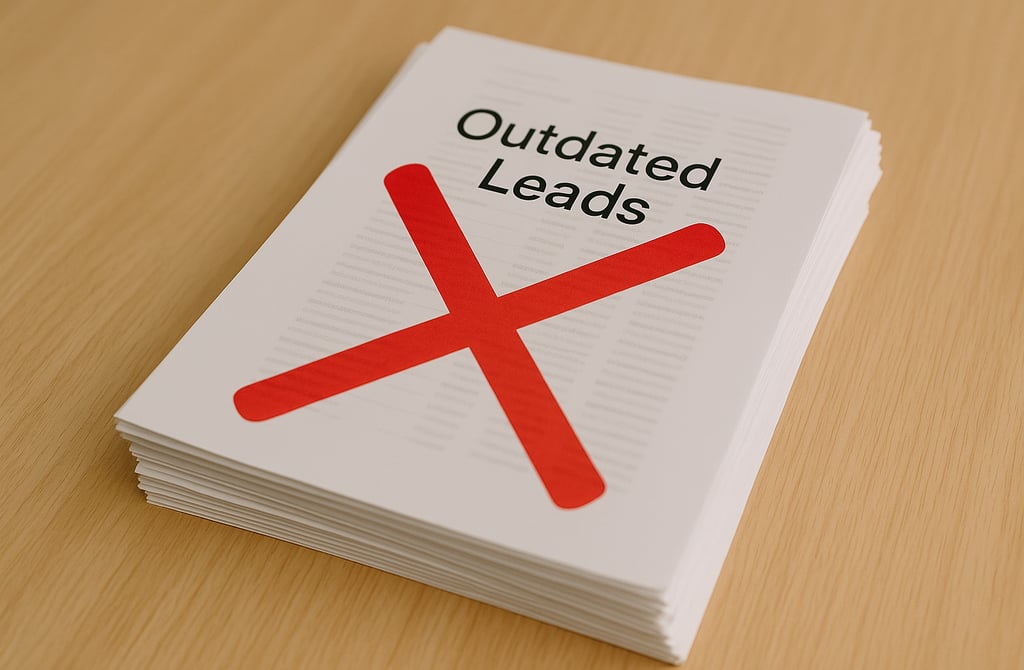
Most teams think an email list only becomes a problem once it starts bouncing.
But the truth is this:
Outdated email lists create damage long before you ever see a single bounce.
They quietly hurt your deliverability, sabotage reply rates, and mess with your domain reputation without warning. And because the effects happen slowly, most founders don’t notice the problem until everything is already broken.
Here’s what makes outdated email lists so dangerous — and what to look for before they ruin a campaign.
1. They Carry Invisible Bounce Risks
Emails go bad all the time. People quit. Domains expire. Servers change.
A list that looked “clean” months ago is now full of landmines.
Outdated lists often include invalid emails, dormant inboxes, and risky addresses that slowly drag your sender reputation downward.
You won’t see the impact immediately — but Gmail and Outlook will.
2. They Pick Up Spam Traps Over Time
The older the list, the more likely you’ll hit recycled spam traps or honey pots.
These aren’t just bad contacts.
They’re signals inbox providers use to punish senders.
One trap is enough to push your entire domain toward spam territory.
3. Engagement Drops Fast
When a list ages, engagement disappears.
People who used to open your emails aren’t even at the company anymore.
Low engagement is one of the strongest negative signals in 2025–2026 deliverability.
Even if your next campaigns are decent, inbox providers will still push them down because your past signals were weak.
4. Personalization Starts Failing
Trying to personalize to someone who changed roles or left the company always backfires.
Outdated data makes your message feel irrelevant or mismatched — and that kills reply rates.
It also makes your outreach look sloppy.
5. It Wastes Sending Volume and Increases CAC
Every outdated contact you email costs real money.
You pay for:
sending volume
warmup
domains
tools
time
All of it is wasted if you’re emailing people who no longer exist or are no longer reachable.
This is why outdated lists silently raise CAC.
Not by a little — by a lot.
6. They Hide Bigger Structural Problems
When outdated lists slip into your workflow, they often reveal deeper issues:
lists aren’t being refreshed
no verification routine
old exports get reused
cheap list vendors are being trusted again
CRM hygiene is ignored
These problems compound over time and eventually crash a domain.
7. The Damage Is Slow… But Hard to Reverse
The scariest part is the lag.
Outdated data harms you gradually — until one day:
your open rates fall off
replies drop
warmups weaken
campaigns hit spam
domain reputation tanks
Once that happens, fixing it is not quick.
You may need to warm up again from zero or switch domains entirely.
How to Spot Outdated Email Lists Early
Keep it simple — here are the signs to watch for:
You don’t know when the list was last validated.
Bounce risks creep up compared to your last campaigns.
Opens and replies decline even though your messaging stayed the same.
Roles and job titles look slightly “off.”
You see a spike in soft or unknown bounces.
Vendor can’t tell you when the data was refreshed.
If any of these are happening, the list is aging out.
Final Thoughts
Outdated email lists aren’t just inefficient — they’re dangerous.
They damage deliverability, distort campaign results, and quietly raise your CAC until your entire outbound engine feels broken.
Clean, fresh data keeps your outreach safe, healthy, and deliverable.
Outdated email lists do the opposite — they quietly ruin performance before you even hit send.
Related Posts
Why SDR Teams Fail Without Verified B2B Data
How Verified Email Lists Improve Deliverability and Cut CAC
The Real Difference Between Verified Data and Cheap Bulk Lists
How to Avoid Outdated Leads: The Complete Clean-Data Checklist
Best Industries to Target Using Verified B2B Leads
How Verified Leads Turn Cold Email Into a Predictable Sales Machine
Manual vs Automated Validation: Why Human-Verified Data Wins
How Verified Data Helps Startups Reduce Marketing Waste
Best B2B Lead Sources in 2026: What Founders Should Know
How to Buy B2B Leads Safely in 2026 (Founder’s Guide)
Why 98 Percent of B2B Leads Are Outdated in 2026
The ROI of Buying Leads vs Hiring SDRs in 2026
Cold Email: DIY vs Email Outreach Services — Which Gets More Replies?
What Email Outreach Services Actually Do: How They Work, What You Get & Why They Convert
How Email Outreach Services Generate Sales Conversations Faster
Email Outreach Service Pricing: What It Really Costs in 2025–2026
How Email Outreach Services Help Agencies Scale Faster
How to Tell if B2B Leads Are Actually Verified Most Aren’t
Why Data Freshness Matters More Than Lead Quantity in 2026
Connect
Get verified leads that drive real results for your business today.
www.capleads.org
© 2025. All rights reserved.
Serving clients worldwide.
CapLeads provides verified B2B datasets with accurate contacts and direct phone numbers. Our data helps startups and sales teams reach C-level executives in FinTech, SaaS, Consulting, and other industries.