
Lead Pricing Models Explained: Per Lead, Per Batch, Per Role
Understand the three major lead pricing models—per lead, per batch, and per role. Learn how each model works and which one gives you the best value for outbound.
LEAD BUYINGLEAD PRICINGB2B DATA QUALITYLEAD BUYING GUIDE
CapLeads Team
11/26/20253 min read
When founders compare lead providers, one of the first questions is always the same:
“Why do different sellers price leads so differently?”
It’s not randomness.
It’s not guessing.
And it’s not just markup.
Lead pricing comes from the model behind how the data is packaged.
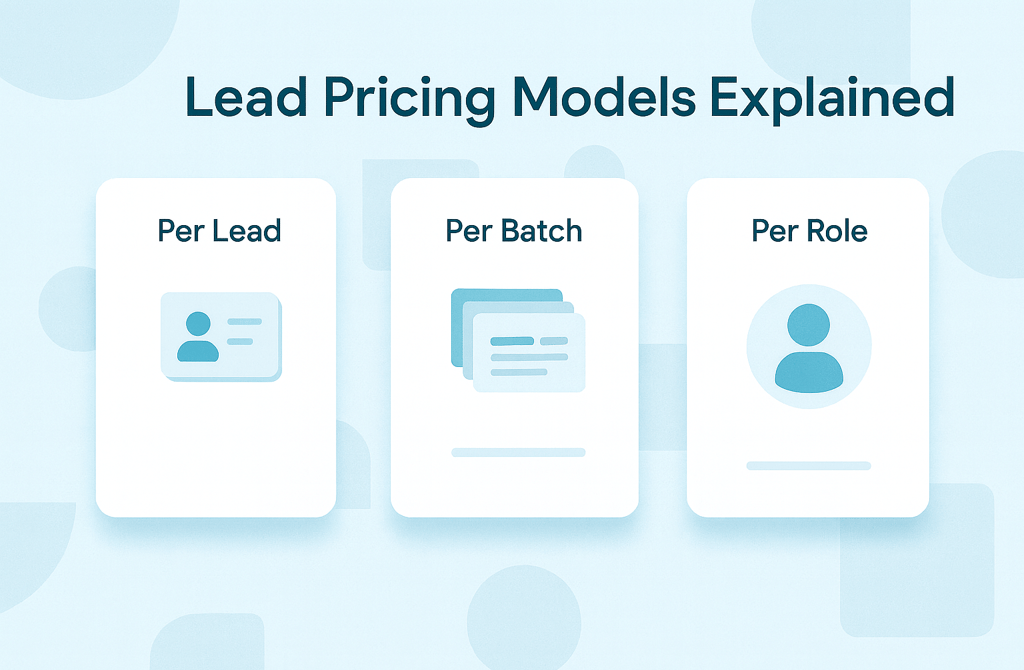
Understanding the three main models—per lead, per batch, and per role—helps you spend smarter and avoid getting locked into the wrong structure.
Let’s break each one down in the simplest terms possible.
1. Per Lead Pricing (Most Common)
Per lead pricing is exactly what it sounds like:
You pay for each individual record.
This is the most flexible model because buyers can scale up or down easily.
If you only need 200 leads today, you buy 200. If you need 2,000 next week, you buy 2,000.
The real factor behind per-lead pricing isn’t the format—it’s what you’re actually paying for inside each record:
validation
data freshness
enrichment (phone numbers, LinkedIn profiles, industry tags)
sourcing quality
Two providers may both charge “per lead,” but one may include deeper validation, multi-source enrichment, or fresh data—making them very different products even if the pricing structure looks identical.
Most founders use this model because it’s predictable and scalable.
2. Per Batch Pricing (Fixed Packages)
Batch pricing is when a provider sells leads in fixed-size bundles—
example: 500 leads for $X, 5,000 leads for $Y.
This model appeals to founders who want:
simplicity
a fixed cost
a large volume upfront
But it also hides risks:
You don’t control what’s inside the batch.
If the provider prioritizes quantity over quality, you inherit outdated roles, irrelevant industries, and low-accuracy records—because the dataset is pre-built.
Batch pricing only makes sense when:
the batch is validated recently
the provider rejects a high percentage of bad data
you’re targeting broad industries or wide top-of-funnel campaigns
Otherwise, fixed packages can give the illusion of value while quietly lowering reply rates.
3. Per Role Pricing (Premium Targeting)
Per-role pricing is the most specialized model.
You’re not just buying leads—you’re buying qualified personas that match a specific ICP.
Examples:
HR managers
CEOs
Procurement directors
IT admins
Marketing heads
This model is more expensive because it requires:
role-specific filtering
human QA
enrichment accuracy
multi-layer validation
industry and company-size alignment
A role-targeted dataset usually has a higher reply rate because it speaks directly to the people who make decisions.
But it only works well if the provider actually understands ICP matching.
If not, you end up paying premium prices for titles that don’t match your niche.
Which Model Works Best?
There’s no “best” universal model—only the best fit for your outbound goals.
Choose per lead when:
You want flexibility and predictable spend.
Choose per batch when:
You need high volume fast and your targeting is broad.
Choose per role when:
You need leads that convert, not just leads you can send email to.
The key is matching the model to your strategy, not letting the provider decide for you.
The Real Question Isn’t the Model — It’s the Quality Behind It
A provider can sell per lead, per batch, or per role…
but the model means nothing without:
fresh data
strong validation
proper enrichment
relevance to your ICP
clean formatting
low bounce rates
Pricing structure affects convenience.
Data quality affects results.
If the list doesn’t convert, the pricing model is irrelevant.
Final Thought
Lead pricing models only matter when the underlying data is trustworthy. The smartest founders choose a model that fits their outbound plan—but they judge providers based on accuracy, not packaging.
Clean, validated, role-relevant data makes any pricing model worth it.
Outdated or generic datasets make even cheap pricing feel expensive fast.
Related Posts
How to Audit a B2B Lead List for Accuracy Before Sending Email
Why You Shouldn’t Buy “Unlimited Leads” Packages
The Truth About “Niche Email Lists” Sold Online — Are They Safe?
Why Industry-Specific B2B Leads Convert Better Than Generic Lists
The Most Requested B2B Industries for Lead Buying in 2026
High-Value Industries That Respond Best to Cold Email
Why Healthcare & Medical Leads Require More Validation
The Fastest-Growing B2B Markets for 2026 (Based on Lead Demand)
Why Construction Leads Are Hard to Validate — And How CapLeads Does It
Global Tech Leads: What Makes Them Expensive but Worth It
Professional Services Leads: Why They Deliver Better Conversations
Manufacturing & Industrial Leads: What Smart Buyers Look For
Why Global BPO Leads Are Exploding in Demand
Why Lead Prices Are Rising in 2026 (And How to Buy Smart)
Cost-Per-Lead vs Cost-Per-Reply: Which Metric Should You Track?
Why Some Industries Have More Expensive Leads Than Others
The Real Cost of Data Validation: What Providers Don’t Tell You
The Economics of B2B Lead Buying (Explained Simply)
Are You Overpaying for B2B Leads? Signs You’re Getting Ripped Off
The Hidden Costs Inside “Cheap Lead Providers”
Why Price Shouldn’t Be Your First Filter When Buying Leads
Connect
Get verified leads that drive real results for your business today.
www.capleads.org
© 2025. All rights reserved.
Serving clients worldwide.
CapLeads provides verified B2B datasets with accurate contacts and direct phone numbers. Our data helps startups and sales teams reach C-level executives in FinTech, SaaS, Consulting, and other industries.